



功能说明
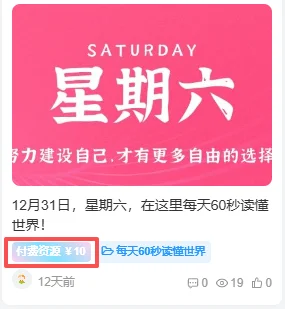
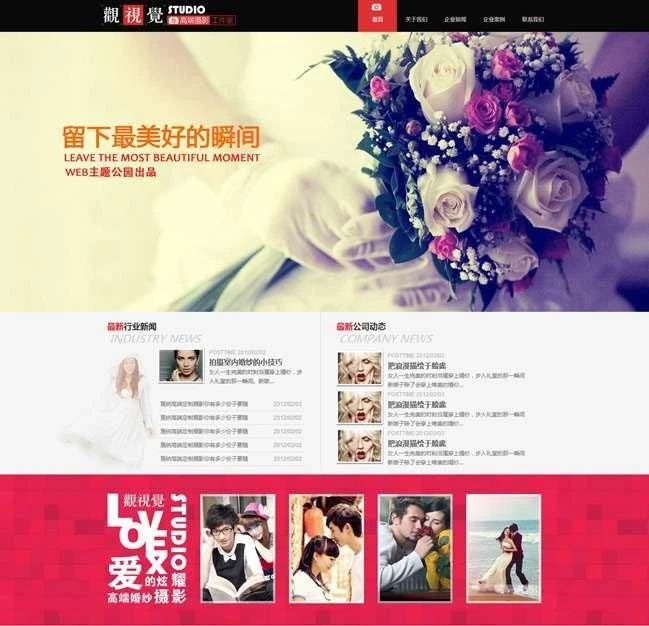
文章缩略图封面底部和右上角添加可自定义的文字描述,带高斯模糊效果,暂时仅支持后台编辑时添加
注意
该代码是我从其他网站扒出来的,请勿用于商用,如若侵权请联系站长删除
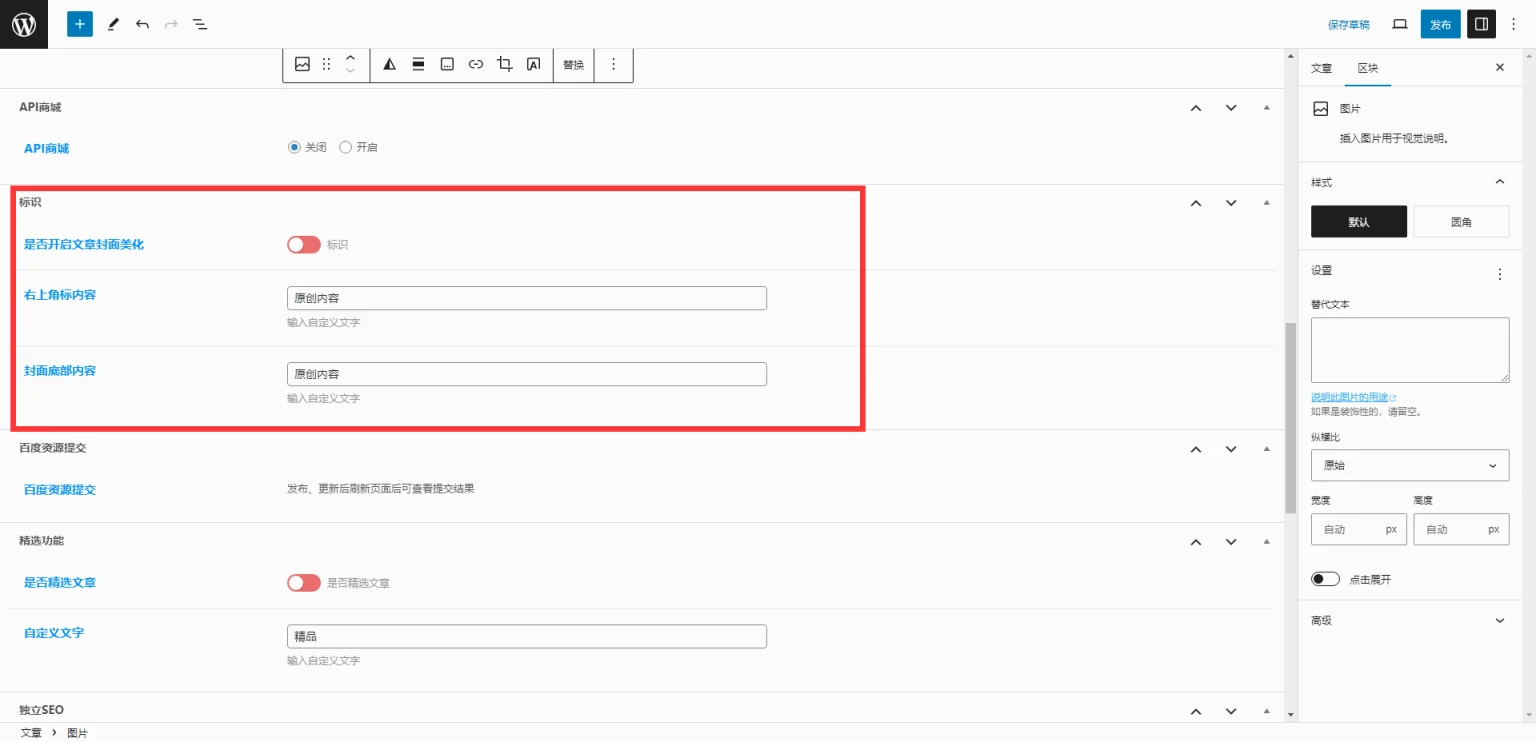
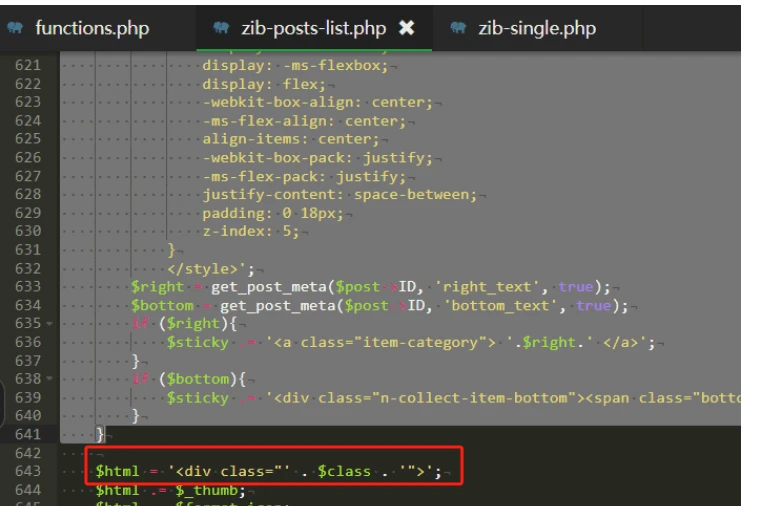
/inc/functions/zib-posts-list.php代码
    if (get_post_meta($post->ID, 'mh_text', true)){
        $sticky .= '<style>
              /**文章封面美化开始*/
            .posts-item.card .item-thumbnail {
                background: #c4cffa26;
                width: 100%;
                padding-bottom: var(--posts-card-scale);
            }

            a.item-category {
                position: absolute;
                left: 10px;
                top: 10px;
                padding: 5px 6px;
                font-size: 1rem;
                line-height: 1;
                color: #fff;
                background: rgb(54 117 255 / 19%);
                -webkit-backdrop-filter: blur(10px);
                backdrop-filter: blur(10px);
                border-radius: 6px;
            }

            a.item-category-app {
                position: absolute;
                height: 24px;
                line-height: 24px;
                width: 100%;
                text-align: center;
                bottom: 0;
                left: 0;
                background: radial-gradient(circle,#3783ff,#3783ffbf);
                color: #fff;
                font-size: 12px;
                border-radius: 0 0 10px 10px;
            }

            a.item-category-app-b {
                position: absolute;
                height: 24px;
                line-height: 24px;
                width: 100%;
                text-align: center;
                bottom: 0;
                left: 0;
                background: radial-gradient(circle,#ff5631,#ff5631ba);
                color: #fff;
                font-size: 12px;
                border-radius: 0 0 10px 10px;
            }

            a.item-category-app-c {
                position: absolute;
                height: 24px;
                line-height: 24px;
                width: 100%;
                text-align: center;
                bottom: 0;
                left: 0;
                background: radial-gradient(circle,#464242,#464242ad);
                color: #fff;
                font-size: 12px;
                border-radius: 0 0 10px 10px;
            }

            /**文章封面美化结束*/

            /** 壁纸标题毛玻璃 **/
            span.bottom-l {
                overflow: hidden;
                text-overflow: ellipsis;
                white-space: nowrap;
            }

            .n-collect-item-bottom {
                position: absolute;
                bottom: 0;
                left: 0;
                width: 100%;
                height: 34px;
                background: rgba(0,0,0,.2);
                border-radius: 0 0 4px 4px;
                -webkit-backdrop-filter: saturate(180%) blur(20px);
                backdrop-filter: saturate(180%) blur(20px);
                font-size: 13px;
                color: #fff;
                text-shadow: 0 2px 2px rgba(0,0,0,.16);
                display: -webkit-box;
                display: -ms-flexbox;
                display: flex;
                -webkit-box-align: center;
                -ms-flex-align: center;
                align-items: center;
                -webkit-box-pack: justify;
                -ms-flex-pack: justify;
                justify-content: space-between;
                padding: 0 18px;
                z-index: 5;
            }
            </style>';
        $right = get_post_meta($post->ID, 'right_text', true);
        $bottom = get_post_meta($post->ID, 'bottom_text', true);
        if ($right){
            $sticky .= '<a class="item-category"> '.$right.' </a>';
        }
        if ($bottom){
            $sticky .= '<div class="n-collect-item-bottom"><span class="bottom-l">'.$bottom.'</span></div>';
        }
    }
/inc/options/metabox-options.php代码
CSF::createMetabox('zyx', array(
    'title'     => '标识',
    'post_type' => array('post', 'page', 'plate', 'forum_post'),
    'context'   => 'advanced',
    'data_type' => 'unserialize',
));

CSF::createSection('zyx', array(
    'fields' => array(
        array(
            'title'   => __('是否开启文章封面美化'),
            'id'      => 'mh_text',
            'type'    => 'switcher',
            'label'   => '标识',
            'default' => false
        ),
        array(
            'title'   => __('右上角标内容'),
            'id'      => 'right_text',
            'type'    => 'text',
            'desc'    => __('输入自定义文字'),
            'default' => '原创内容',
        ),
        array(
            'title'   => __('封面底部内容'),
            'id'      => 'bottom_text',
            'type'    => 'text',
            'desc'    => __('输入自定义文字'),
            'default' => '原创内容',
        ),
    ),
));
重要提示
如有解压密码: 看下载页、看下载页、看下载页。
源码工具资源类具有可复制性: 建议具有一定思考和动手能力的用户购买。
请谨慎考虑: 小白用户和缺乏思考动手能力者不建议赞助。
虚拟商品购买须知: 虚拟类商品,一经购买打赏赞助,不支持退款。请谅解,谢谢合作!
© 版权声明
THE END




![Q376战神引擎传奇手游【杀神恶魔单职业游龙庆帝切割版[白猪2.0]】最新整理特色Win半手工服务端+充值后台+安卓苹果双端-源码资源网](https://www.ohltk.com/wp-content/uploads/2022/04/1650826368-0c5c105a3e597c9.jpg)






暂无评论内容